ON AIRProduct updates
What changed, and why it helps.
The updates you can see and use, written for the person who uses them. Newest first.
01 Updates
Updates
One post, in all its sizes
A designed poster now comes as one post with its portrait, square and story sizes side by side, instead of three separate posts. The post shows which size each network gets.
- Disapprove sits next to Approve, with an optional reason for the team
- The reel button shows only on posts planned as videos
Done for you takes pictures too
The studio can now hand over posters it made by hand, not only videos. Each one lands in your posts and waits for your approval, with its words checked like every other post.
See how it worksWords inside the safe area
On every story, reel scene and reel cover, the words, the logo and the key picture now stay clear of the bars and buttons the networks draw on top.
See how it worksOne business, one account
If your website already has an account, sign-up tells you before it reads anything and offers to sign you in to that account instead.
Posters from your store's products
Read your Shopify or WooCommerce store and see your products in one list. Tap Make a poster and the product is the hero, with its price quoted exactly as your store shows it.
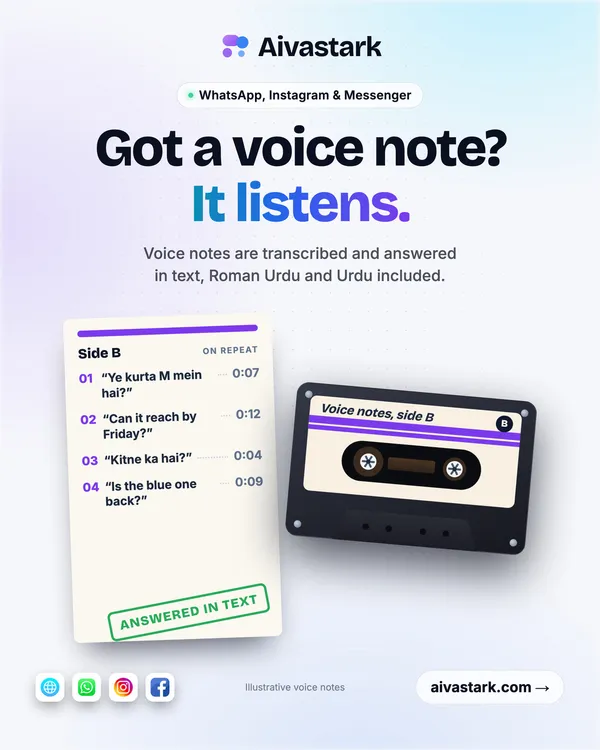
Posts in English, Urdu or Roman Urdu
Pick your language when you sign up or in Settings. Every writer on the team follows it, and Urdu and Roman Urdu reels get an Urdu voice.
Tell your team
Give the team a focus for the weeks ahead, such as a campaign or one of your offers, and notes it should always follow. Every writer reads them, from the ideas to the reels.
- A language mode that mixes two languages in the same lines, the way people talk
Your brand's fonts on every post
Pick a font pairing with a script, brush or marker accent, or make your own. Once it's set, every poster uses your fonts and no others.
The first run, one step at a time
Sign-up now walks you through your website, your logo, your brand, your ideas, your posters and your reels. No post is made until you pick its idea.
Pick your posts and reels
Choose how many designed posts and reels you want each month on two sliders. Your first poster is free, with no card needed.
See how it worksSee it big, and watch it being made
Every poster and reel opens in a viewer. In the studio on Home shows what the team is making right now, and a note tells you when it's ready, wherever you are in the app.
Pick your logo
Choose your logo from the ones your website shows, or upload it. Then pick the version posters and reels use: the full logo, the icon or the name, for light and dark grounds.
See how it works
Read next
Features
What Brandiz.io does, part by part: your brand kit from your website, designed posts, reels, truth checks, approvals, the calendar and posts in Urdu.
How we check
Nothing posts without your yes, and nothing is made up: how Brandiz.io checks every number, price and claim, keeps each version and leaves the final say to you.
About
Brandiz.io is an AI content team that makes a business's social posts and reels from its own website. Who it's for, how we work and the essentials.
Your first poster is one link away.
Sign up and your first poster is free, made from your website, with no card needed.
Create your first postsOr try the free brand read first.